
The world of cryptocurrency moves fast, and missing a trade because you aren’t at your computer is a frustration no trader wants to experience. Whether you are a complete beginner or looking to switch platforms, having a reliable mobile trading app is essential. This is where the BVOX download becomes your gateway to financial freedom. By installing the BVOX app, you gain instant access to one of the most user-friendly and secure trading environments available today.
In this comprehensive guide, we will walk you through exactly how to download BVOX app for both Android and iOS devices, explain the unique features of the BVOX exchange, and show you how to start trading in minutes. If you are ready to take control of your crypto portfolio anytime, anywhere, keep reading.
What is BVOX Exchange? A Quick Overview
Before we dive into the installation process, it is important to understand what makes BVOX stand out in a crowded market. BVOX is a cutting-edge cryptocurrency exchange platform designed to bridge the gap between complex financial instruments and everyday users.
Unlike older platforms that can feel cluttered and confusing, the BVOX exchange prioritizes a “user-first” interface. This makes it particularly ideal for the Crypto Newbie. The platform offers a suite of services including Spot trading, Futures trading, and secure wallet management, all accessible via the BVOX mobile download.
Why the BVOX App Download is Essential for Newbies
For a beginner, the desktop view of a trading exchange can look like the cockpit of an airplane—overwhelming and complicated. The mobile app simplifies this.
- Simplified Interface: The app streamlines the data, showing you exactly what you need to make decisions without the noise.
- 24/7 Access: The crypto market never sleeps. With the BVOX app download, you can monitor your Bitcoin or Ethereum positions while commuting or relaxing at home.
- Instant Notifications: Get price alerts and liquidation warnings directly to your phone.
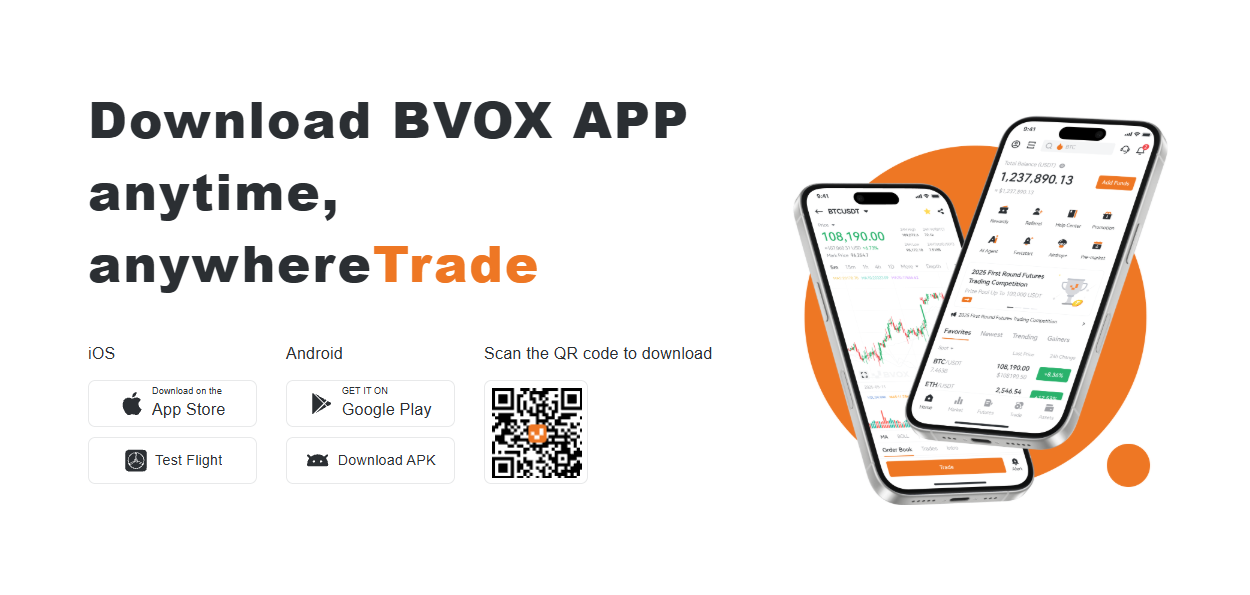
Step-by-Step BVOX Download Guide (2026)
Ready to get started? Follow these simple steps to complete your BVOX download and secure the app on your device.
How to Download BVOX for Android
Android users have the flexibility of downloading the app directly via the Google Play Store or using an APK file for manual installation.
- Visit the Official Page Navigate to the official download section to ensure you are getting the authentic version.
- Select Android Version Click on the “Download for Android” button.
- Install the App Once the download BVOX process is complete, open the file. If using APK, allow installations from “Unknown Sources”.
- Launch and Log In Open the app and log in. create a BVOX account to start trading immediately.
How to Download BVOX for iOS
For iPhone users, the process is streamlined through the App Store or via TestFlight for beta versions.
- Access the App Store Search for “BVOX” in the Apple App Store.
- Verify the Developer Ensure the publisher is listed officially to avoid phishing apps.
- Tap Get Initiate the BVOX download app process.
- FaceID/TouchID Authenticate the installation. Once installed, the BVOX icon will appear on your home screen.

Top Features of the BVOX Mobile App
Why are thousands of traders choosing to download BVOX? It comes down to features that balance power with simplicity.
Real-Time Market Data
The app provides millisecond-latency data updates. When you view the price of BTC or ETH, you are seeing the live market rate. This precision is crucial for executing profitable trades.
Bank-Grade Security
Security is the top concern for any investor. The BVOX app integrates biometric authentication (Fingerprint and Face ID) and 2-Factor Authentication (2FA) directly into the login process.
One-Click Trading
For the Crypto Newbie, executing a trade should not require ten clicks. The app features a simplified “Buy/Sell” module that allows you to enter a position instantly.
Integrated News Feed
Stay updated without leaving the app. You can access the latest crypto market news directly to help you make informed decisions based on fundamental analysis.
Installation & Setup: Getting Your BVOX Account Ready
Once you have completed the download BVOX app process, the next step is setting up your account.
- Registration Open the app and click “Sign Up”. You will need an email address or mobile number.
- Verification (KYC) To unlock all features and higher withdrawal limits, complete the Identity Verification. This usually involves uploading a photo of your ID and a selfie.
- Security Setup Immediately enable Google Authenticator or SMS verification.
- Deposit Funds Navigate to the “Assets” tab and choose “Deposit”. You can transfer crypto from another wallet or buy via fiat integration (depending on your region). Visit the BVOX homepage to learn more about our ecosystem before you deposit.
BVOX Exchange vs. Competitors: Why Switch?
You might be wondering, “Why should I choose BVOX over other giants like Binance or Coinbase?”
| Feature | BVOX Exchange | Industry Standard |
|---|---|---|
| Trading Fees | Competitive low fees | Often higher for basic users |
| Customer Support | Dedicated support for newbies | Automated bots / Slow response |
| App Stability | Optimized for high volatility | Frequent crashes during peaks |
Global crypto adoption trends indicate that users are increasingly moving toward platforms that offer better stability and personalized support, a gap that BVOX fills perfectly.
Critical Safety Tips for BVOX Mobile Trading
Downloading the app is just the first step. As a Crypto Newbie, you must practice good hygiene regarding mobile security.
Official Sources Only
Only use the links provided on the official bvox.exchange website. Never download “cracked” versions of finance apps.
Beware Public Wi-Fi
Avoid trading on public Wi-Fi networks (like in cafes/airports) unless you use a VPN. Public networks are vulnerable to hackers.
Log Out
If you share your device, always log out of the app after a session to ensure no unauthorized access.

Mobile Crypto Trading Statistics
The shift to mobile trading is undeniable. By choosing to download BVOX, you are joining a global trend of traders who value flexibility and speed.
Over 70% of all crypto trades are now executed via mobile devices, and mobile apps increase user engagement by 40% compared to desktop-only platforms.
BVOX App Download FAQs
Is the BVOX app free to download?
Yes, the BVOX download is completely free for both Android and iOS. You only pay standard trading fees when you execute a transaction.
Can I trade Futures on the app?
Absolutely. The full suite of trading products, including Spot and Futures, is available on the mobile version.
What if the app isn’t working?
Ensure you have the latest version installed. If issues persist, contact support via the app or website.
Conclusion
In the fast-paced world of cryptocurrency, having the right tools is half the battle. The BVOX app offers a seamless, secure, and professional trading experience tailored for both beginners and pros. Don’t let your trading potential be limited to your desktop computer.
Complete your BVOX download today, secure your account, and step into the future of finance. The market is waiting for you.
Read this guide on BVOX Download again if you need to refresh your memory on the installation steps.
Ready to Start Trading?
Join thousands of traders on the most secure mobile platform.
Download BVOX & Sign Up Now